

Owli-AI Magnify
Magnification, contrast filters, and read-aloud features, your everyday magnifier on Android.
The magnifier for everything that is too small in daily life.
Notice: this page was machine-translated and is pending editorial review.
Quick overview
- Helps with
- Magnification, contrast filters, and read-aloud features, your everyday magnifier on Android.
- How to use it
- Open the app, choose the relevant function, and use the on-screen or speech output guidance.
- Good to know
- Assistive features can help, but they do not replace personal checks in important or safety-critical situations.
Core features
-
Live magnification
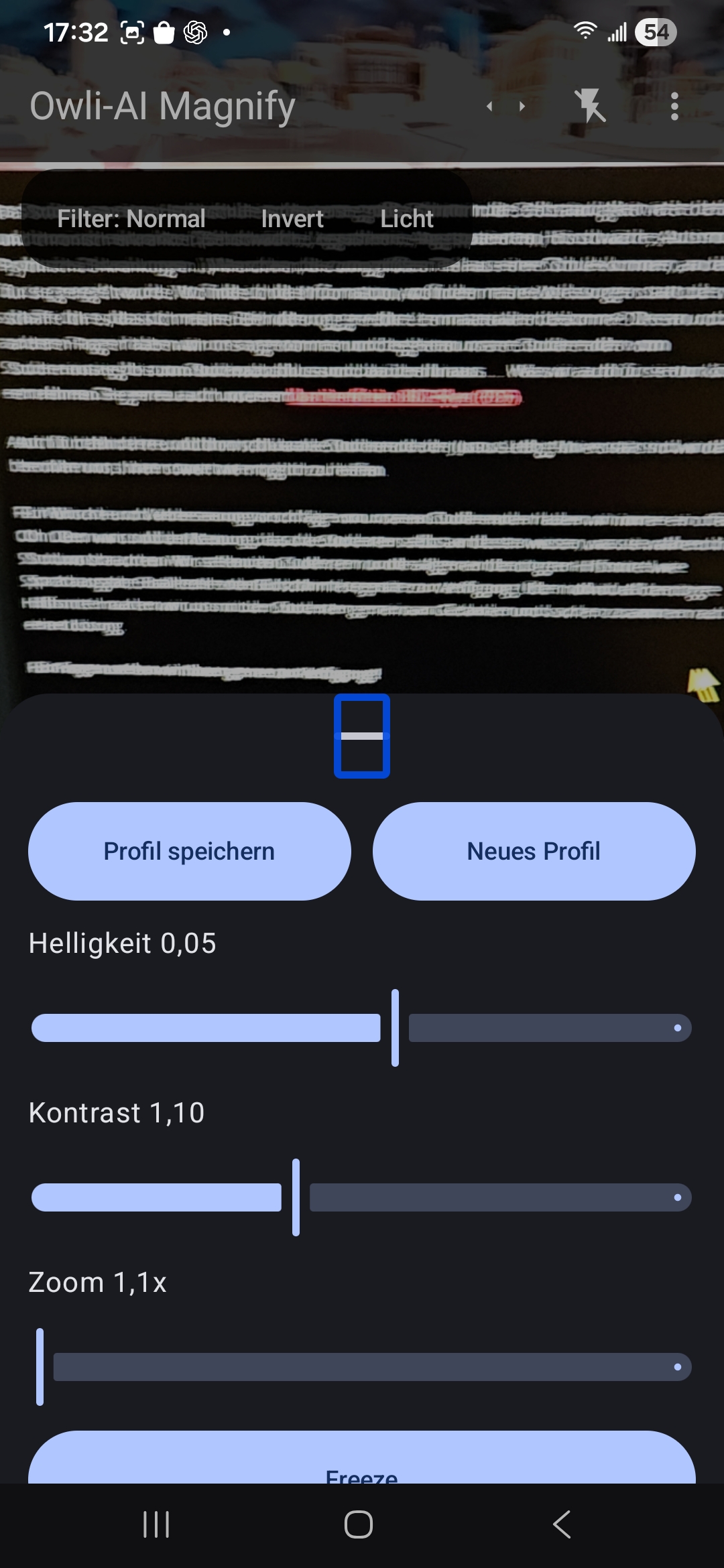
Continuous zoom by gesture or slider, ideal for price tags, labels, and small details.
-
Contrast and color filters
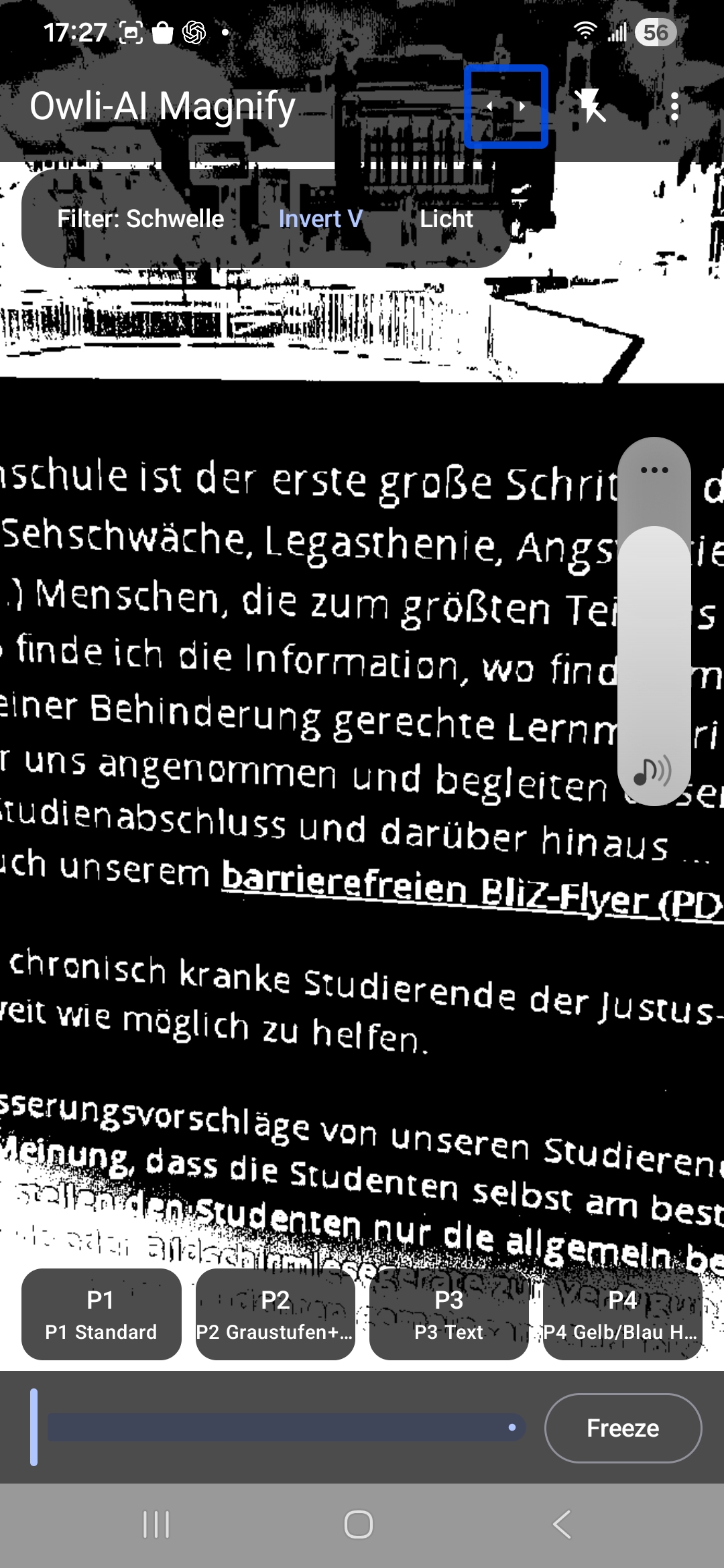
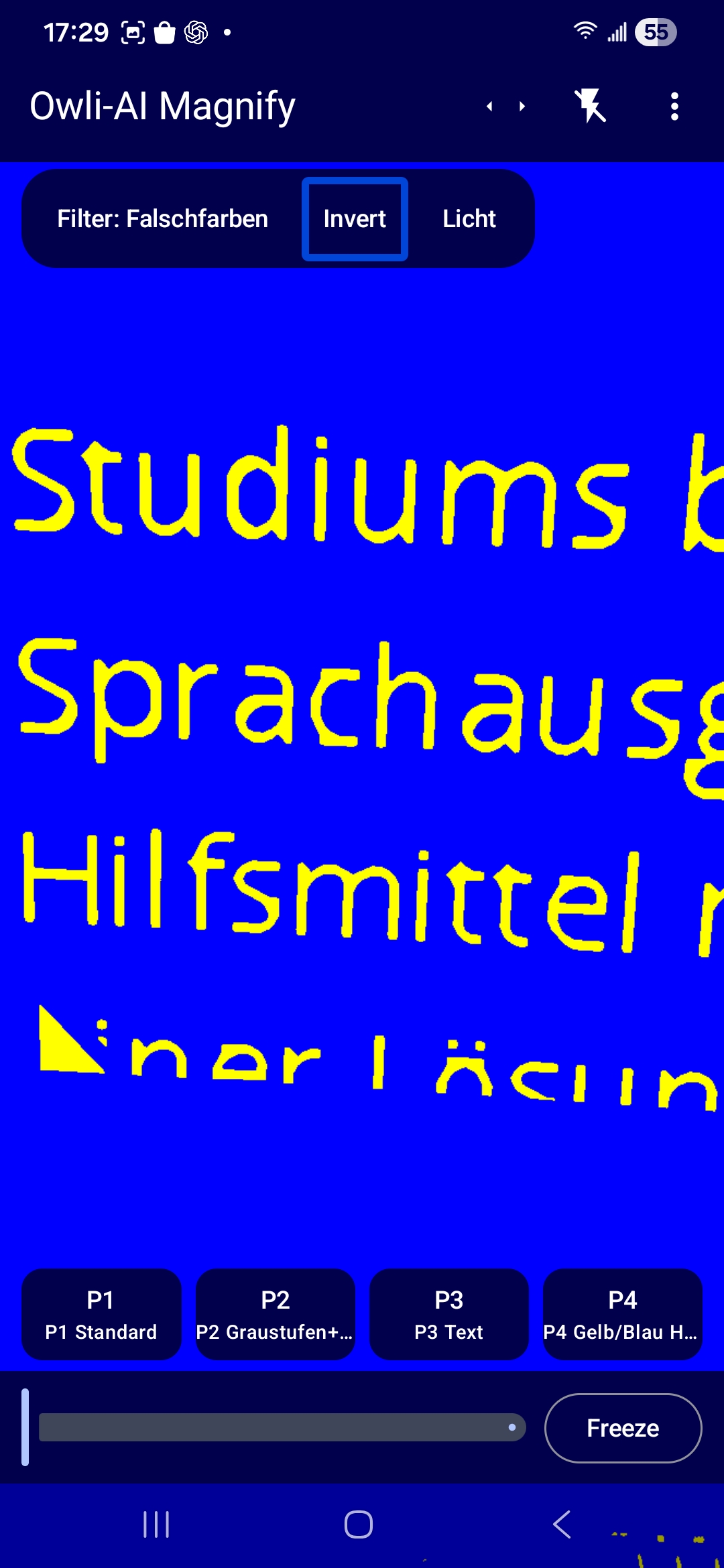
Switchable modes such as grayscale, high contrast, or inverted colors to make text stand out.
-
Light and flash control
Flashlight mode and screen light to keep images readable in poorly lit situations.
-
Freeze image and refocus
Tap once to freeze the current frame, then adjust calmly and inspect details without holding the phone perfectly steady.
-
Front-camera magnifying mirror
Use the front camera as a digital mirror. Ideal for makeup, shaving, contact lenses, or checking small facial details with zoom and contrast filters.
-
OCR text detection and read-aloud
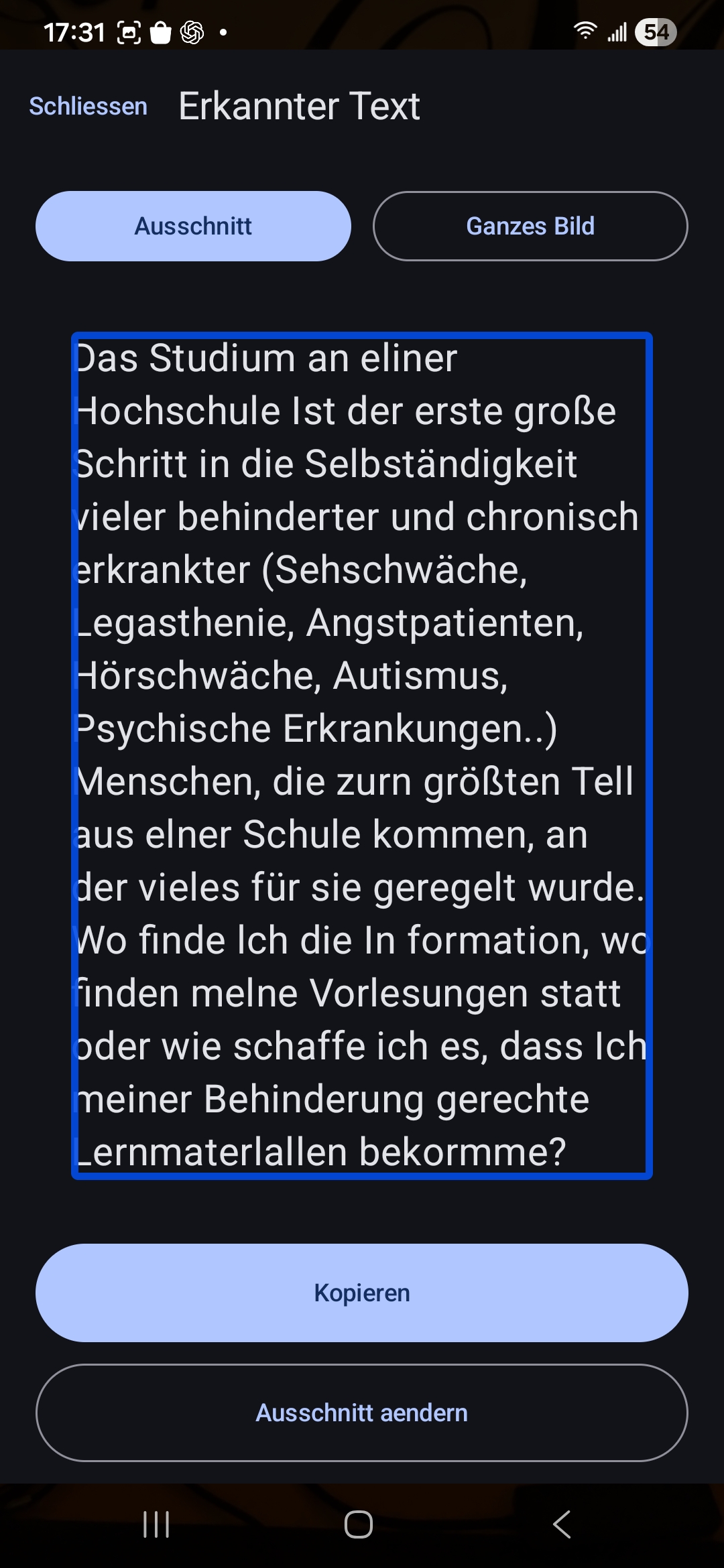
Text is recognized on the frozen image and then read aloud by speech output, useful when reading is tiring.
-
Profiles for different situations
Save favorite settings (zoom, filters, light) as profiles, for example supermarket, documents, or evening light, and switch with one tap.
-
Accessible operation
Large controls, clear icons, and TalkBack support enable use even with limited vision.
Privacy
Operating mode: Local
Owli-AI Magnify processes camera images only locally on your device to provide magnification, filters, and OCR. No images or text are sent to a server.
In short
- Core camera processing stays on the device.
- Images are not sent to a server for processing.
- Settings and profiles are stored locally.
Processing is fully local on-device.
Install directly on Android
Install the app from Google Play or scan the QR code if you are viewing this page on a desktop computer.

Open it quickly on your phone
Scan the QR code with your phone to open the store page directly.
System requirements
- Android 9 or newer
- Camera access
Details and usage
Who is Owli-AI Magnify for?
Owli-AI Magnify is now available for free on Google Play.
Owli-AI Magnify is designed for people with visual impairment or low vision who frequently face text and objects that are too small or have poor contrast in daily life:
- Package leaflets and invoices
- Price labels and timetables
- Manuals or labels in kitchen, bathroom, and household settings
With the front camera, you can also use Owli-AI Magnify as a magnifying mirror, for example for:
- Makeup or shaving
- Inserting contact lenses or checking your eyes
- Tweezing eyebrows or checking beard contours
- Inspecting facial skin areas
- Spotting foreign objects in the eye
- Checking teeth and spaces between teeth
- Checking lipstick contours
- Applying mascara and eyeliner
- Checking split ends or hairline in the mirror
- Applying skincare precisely
Instead of carrying separate magnifiers, you can use your smartphone with features optimized for accessibility.
What problems does the app solve?
Many standard magnifier apps are either too minimal or overloaded.
Owli-AI Magnify focuses on three things:
- Clear magnification: Continuous zoom with image stabilization so the view stays steady.
- Better readability: Contrast and color filters highlight text and edges, even in poor light.
- Read aloud instead of straining: Freeze, run OCR, and listen to the text via speech output.
How Owli-AI Magnify works
-
Open and point the camera
Start Owli-AI Magnify and point the camera at text or an object you want to magnify. -
Magnify and adjust contrast
Use pinch zoom or the slider until the size fits your needs. If the background is distracting, enable a contrast or color filter. -
Freeze the image
Tap once to freeze the image. This lets you hold the phone comfortably and inspect details without shake. -
Detect and read text aloud
If text is in the image, you can recognize it and play it back through speech output. -
Use profiles
Save settings that work well for you as profiles. This allows quick switching between daily situations without reconfiguring each time.
Privacy and processing
Owli-AI Magnify processes camera images only locally on your device for magnification, filters, and OCR. No images or text are sent to a server.
The app stores only settings and profiles on your device so you can reuse them later.
Media gallery
-
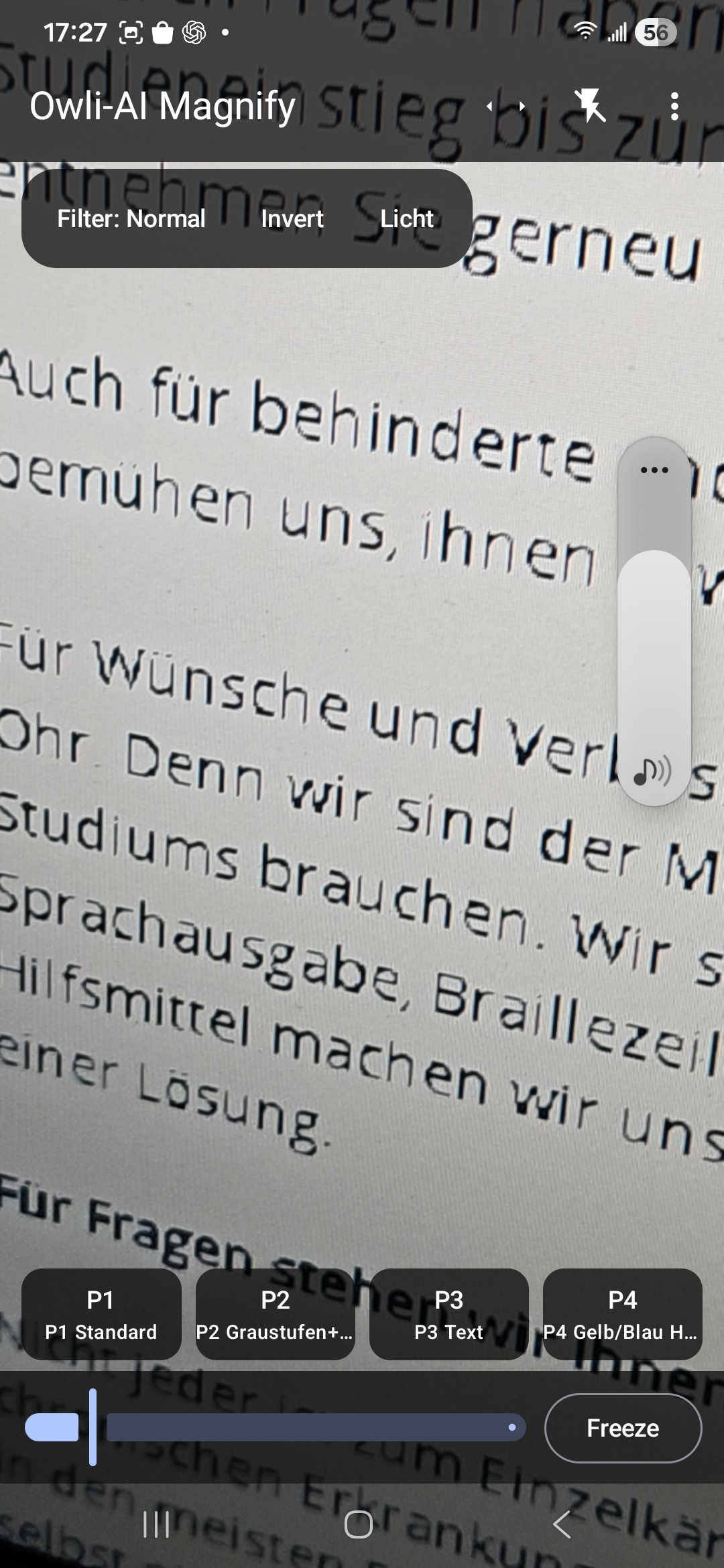
Start view with direct magnification -
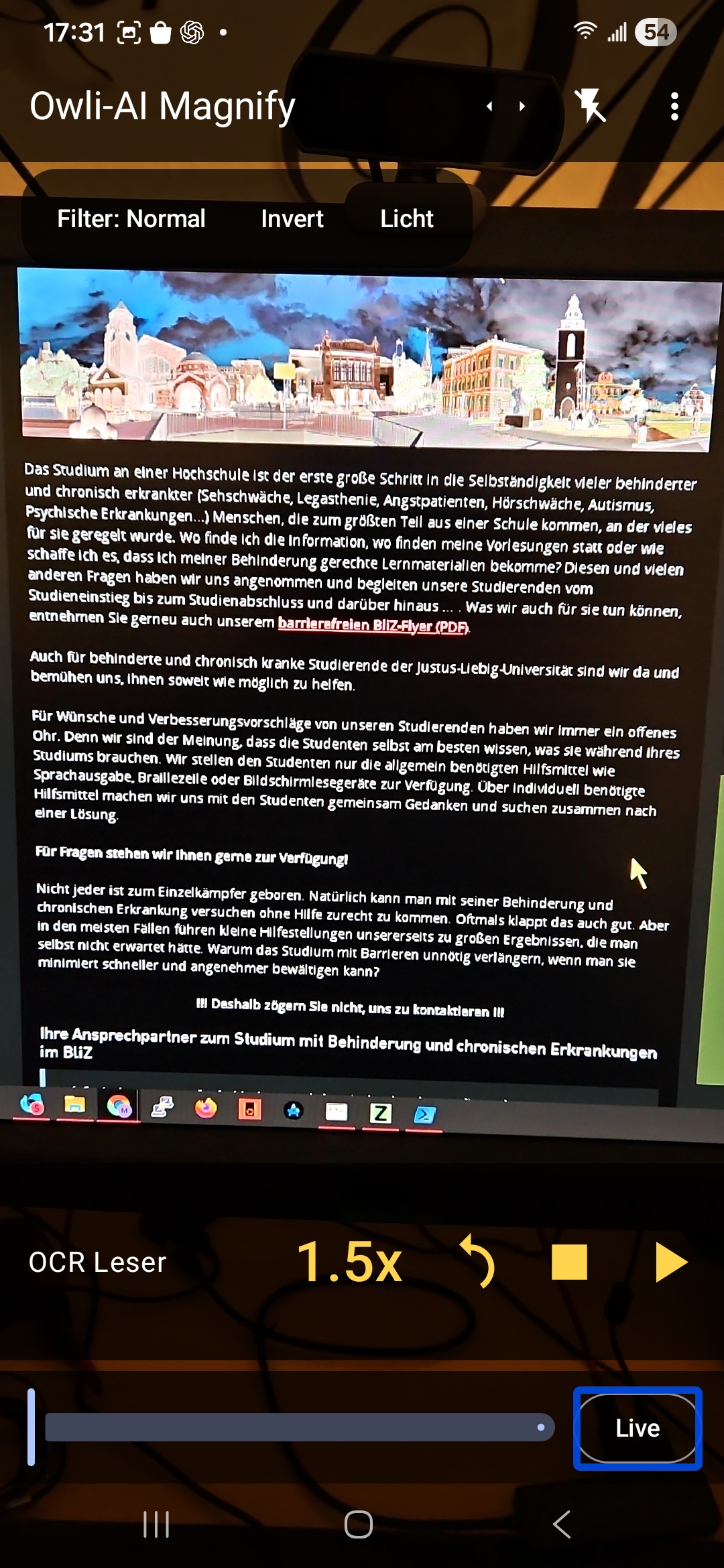
Contrast mode for improved readability -
Freeze view for stable detail inspection -
Adjustments for small text -
Fast zoom control for daily use -
Result view with optimized readability


Next step
Store release, trial access, questions, or partnership: we respond in a structured and timely way.